Washers
Washer Won't Turn On or Start? What to Check
Washer won't turn on, or lights up but won't start? Check the outlet, breaker, GFCI, child lock, delay start and door latch first, then the parts that fail.
By Jax Appliance Pros · · 6 min read
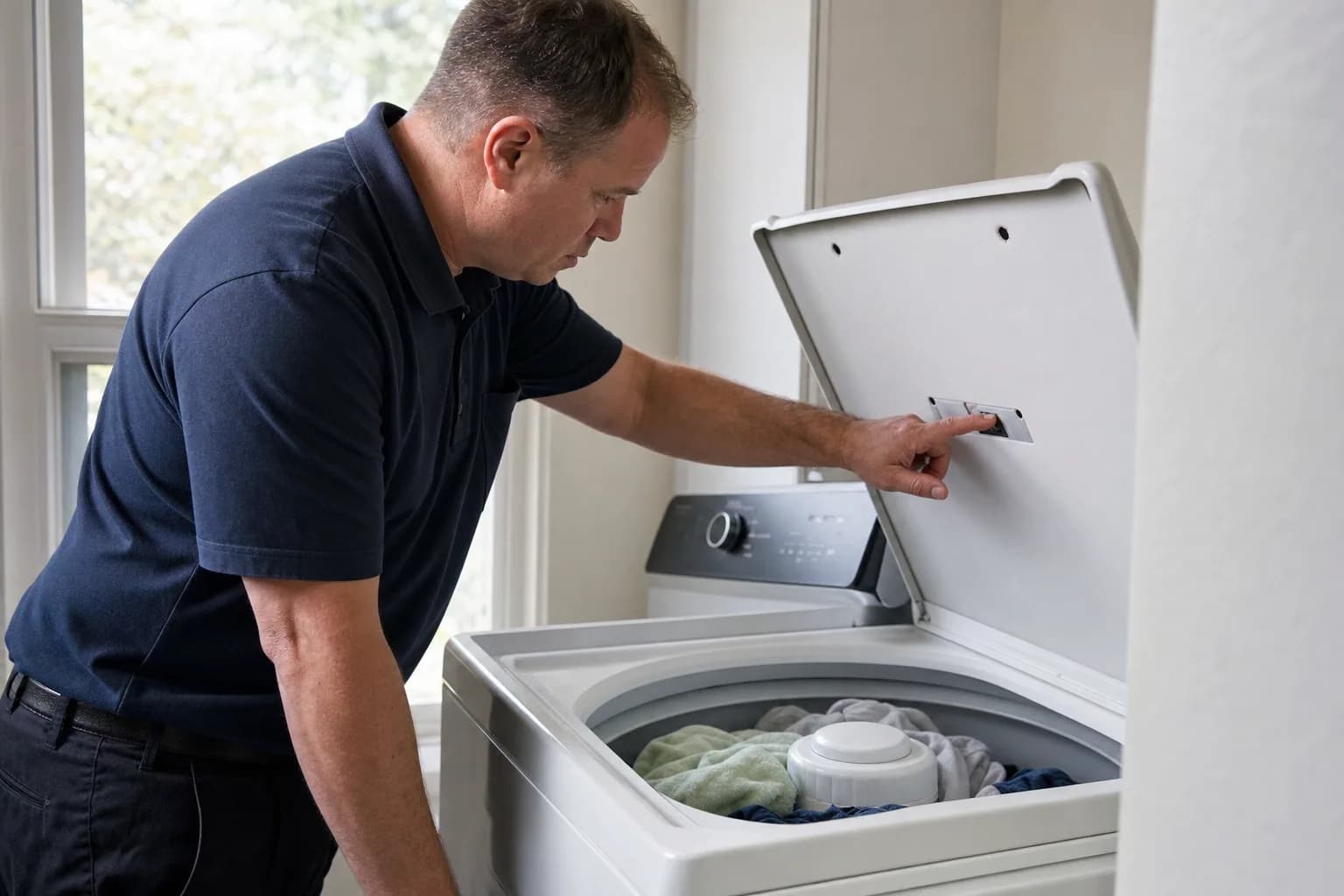
When a washer won't turn on at all, with no lights and no sound, the cause is usually power: the plug, the outlet, a tripped breaker or a tripped GFCI. When it lights up but won't start, the usual suspects are a control lock, a delay timer, a door or lid that is not latched, or a water supply the washer cannot detect. Most of these take minutes to check.
Safety first: if the cord, plug or outlet is wet, scorched or smells burnt, do not touch it; switch off the breaker and call. Ready.gov warns never to touch electrical equipment that is wet or while you are standing in water. Outlet, wiring and circuit repairs are for a licensed electrician, and never remove or bypass a GFCI.
Washer won't turn on: outlet, breaker and GFCI
- Plug it straight into the wall. Whirlpool says to use a grounded three-prong outlet and not an extension cord. LG says an extension cord or surge protector is not recommended, and Samsung does not recommend surge protectors with its washers. Make sure the plug is pushed all the way in.
- Test the outlet. LG suggests plugging in something you know works. If that does not work either, the problem is the outlet or the circuit, not the washer.
- Check the breaker. Samsung notes that a tripped breaker often looks like it is on. Switch it fully off, then back on; LG says to wait 5 seconds in between.
- Check for a tripped GFCI. Whirlpool lists a tripped GFCI outlet as a cause. Look for an outlet with Test and Reset buttons, which may not be the one the washer plugs into, and press Reset. If it trips again right away, stop and call.
- Check the fuse if your home has a fuse box; Whirlpool lists a blown fuse too.
- Press the right power button. Samsung notes that its FlexWash models have two.
- Reset the washer. Unplug it for a few minutes and try again. Our guide on how to reset a washing machine has each brand's steps.
If another appliance works in that outlet but the washer stays dark, LG says the washer needs service. If the outlet tests as wired wrong, LG says to call an electrician, and a dead outlet on a good breaker is an electrician's job too. Samsung also calls for a grounded 120V three-prong outlet on a 20-amp circuit, with no other devices on that circuit.
Washer has power but won't start
Child lock or control lock
A locked control looks like a dead washer with the lights on. Button combinations vary by model, so check your manual.
- Whirlpool: with Control Lock set, the control will not operate at all; you may see a padlock light, or LoC or LC on a front-loader's display. Hold the button labeled for Control Lock for 3 seconds.
- LG: CL is not an error; it means Child Lock is on. Hold the Child Lock button for 3 seconds.
- Samsung: Child Lock disables the buttons except a few, such as Power. Samsung says to hold both marked buttons once so the icon flashes, then hold them again until it turns off.
- GE: on top-loaders, hold Warm Rinse and Auto Soak, or Rinse and Spin, for 3 seconds; on front-loaders, hold the Control Lock pad for 3 seconds.
Delay start
A delay timer makes the washer wait on purpose. On Whirlpool front-loaders, 1h up to 12h on the display means Delay Wash is on, and turning the power off cancels it. On GE top-loaders, the delay shows as 01H to 09H, and holding Delay Wash for 3 seconds clears it.
Start button and cycle knob
Whirlpool says you may need to press and hold Start for up to 3 seconds. On its front-loaders, a display showing -:-- means the cycle knob is pointing at a position with no cycle.
Door or lid not latched
Whirlpool says a top-loader's lid must be completely closed and latched for the washer to operate, and some models will not start until it locks. GE says its top-loaders built since 2015 lock the lid while sensing the load and filling, and when spinning above 50 RPM. On a front-loader, close the door firmly and check that no clothing is caught in the seal.
Water supply not detected
Whirlpool says both hot and cold valves must be fully open and both hoses connected. If the washer starts, hums and then stops with a fill code (Samsung shows 4C, for example), see washer not filling with water.
After a power outage or storm
Ready.gov advises disconnecting appliances and electronics during an outage to avoid damage from electrical surges. When the power returns, LG shows PF if a cycle was interrupted; LG says to unplug the washer, hold Start/Pause for 5 seconds, restore power and restart. Samsung also shows PF after an outage, and says to make sure the washer is on its own circuit without an extension cord.
If the outlet works but the washer is dead after a storm, a surge may have damaged the control board or its power supply; that is a diagnosis for a technician. If floodwater reached the washer, do not plug it in until it has been checked. For the rest of the house, see appliances not working after a power outage.
Stopped mid-cycle and won't restart
A washer can also stop mid-cycle to protect an overloaded motor. On LG washers, LE means the motor is overloaded and locked; LG says to let the washer rest 30 minutes to cool, then restart, and to reduce the load. If LE keeps coming back, see LG washer error codes.
What usually fails
- Lid switch or door lock. The lights come on and you pick a cycle, but it never starts, or it stops with a lid or door code. The washer will not run until it confirms the lid or door is locked. Never tape, jumper or bypass it.
- Main control board. No lights at all with a working outlet, or a washer that died after a storm.
- User interface board. The display lights, Control Lock is off, and the buttons still do not respond.
- Power cord. Samsung says a damaged cord needs service.
- Water inlet valve. The washer starts, hums and never fills.
We test these before replacing parts, especially boards.
What it costs in Jacksonville
The diagnostic is $79, and it is waived when you approve the repair. Washer repairs start at $179 plus parts, and a typical washer repair on a standard brand runs $200 to $400 all in; locks, lid switches and valves fall in that range, and premium brands run higher. You get a written flat-rate estimate before any work begins, many repairs can be finished on the first visit, and every repair carries our 90-day parts-and-labor warranty. See our pricing.
Schedule washer repair or call (904) 561-4790 for same-day service across Jacksonville & the First Coast.
About Jax Appliance Pros
Locally owned appliance repair for Jacksonville, the Beaches, St. Johns, Clay and Nassau counties. Same-day or next-day service on refrigerators, washers, dryers, dishwashers, ovens, cooktops, ranges and garbage disposals. $79 diagnostic waived with the repair, 90-day parts-and-labor warranty. Insured. More about us.