Washers
Front-Load Washer Door Won't Unlock? What to Do
Washer door won't unlock after the cycle? Why front-load doors stay locked, how to drain and reset safely, and when the door lock itself needs repair.
By Jax Appliance Pros · · 7 min read
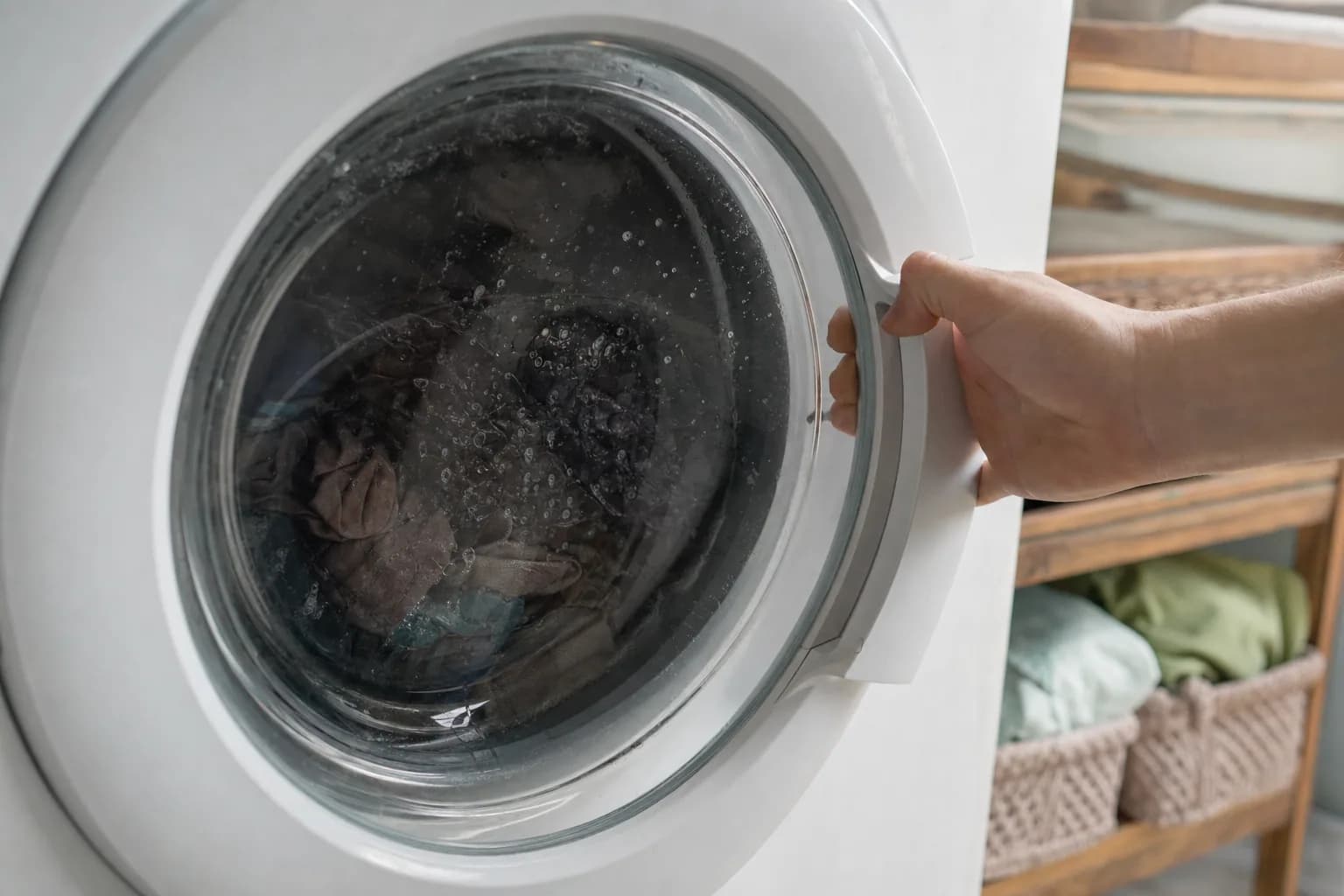
If your washer door won't unlock when the cycle ends, the washer is usually protecting you, not failing. A front-load washer keeps its door locked while there is water in the drum, while the drum or the water is still hot, and until the drum has stopped spinning. Most of the time, waiting a few minutes, running a drain-and-spin cycle or resetting the power releases it; only a failed door lock assembly needs a repair.
Never pry the door, force the handle or try to bypass the lock. The lock keeps hands out of a spinning drum, and forcing it usually breaks the latch, which turns a free fix into a repair. If you have to drain water by hand, unplug the washer first; water and electricity share the floor under a washer.
Why a front-load washer door stays locked
The usual reasons a front-loader keeps its door locked:
- Water in the drum. Samsung says its front-loaders lock the door while water is detected inside, so it cannot spill onto your floor, and Whirlpool says its washers will not unlock while water is still inside.
- A hot drum or hot water. After a hot or sanitize cycle, the door waits for things to cool. LG says it can take up to 20 minutes for the drum to cool enough to unlock, and Whirlpool says its compact front-loaders will not unlock while the water is hotter than 104°F.
- A spin that has not stopped. Whirlpool says it may take up to five minutes for its front-loaders to stop spinning and draining before the door unlocks. You will hear a click when it releases.
- An option that keeps tumbling. Some Whirlpool front-loaders have Fresh Hold or TumbleFresh options that tumble the load after the cycle ends, and the door stays locked until you cancel the option.
Washer door won't unlock? Checks you can do yourself
Try these in order.
- Wait for the cycle to finish. Make sure the display shows the cycle is done, then give it five minutes. Listen for the click of the lock letting go.
- Let a hot load cool. After a hot or sanitize cycle, give it up to 20 minutes before you try anything else.
- Look for a child lock. A lock icon or CL on the display means a lock feature is on. On some washers it holds the door shut; see below.
- Run drain and spin. If there is water in the drum, select Drain & Spin, Rinse & Spin or Spin Only (the name varies by brand) and let it finish. The door should unlock once the water is out. On LG washers, LG says to press Power, press Spin to choose a speed, then press Start/Pause.
- Power cycle the washer. Unplug it or switch off its breaker, wait, then restore power. Whirlpool says to wait about 2 minutes for its control to reset; LG says three to five minutes. Samsung says that if the washer is off, turn it on and wait for the door to unlock with a click.
- Drain it by hand. If the washer will not drain on its own, you can empty it at the drain pump filter, covered below.
- Call for service if the drum is empty and cool, the power has been cycled and the door is still locked.
Front-load washer locked with water inside
A door that stays locked over a drum full of water is really a drain problem. With the washer unplugged, open the small access door at the bottom front. Samsung and many other front-loaders have a short emergency drain hose next to the pump filter. Put down towels, set a shallow pan under it, open its cap and let the water out a pan at a time. Then unscrew the filter slowly and clear out any socks, coins or beach sand. Screw it back in firmly. Samsung says to turn the washer off and back on once the water is drained, and the door should unlock.
If the tub is full of water again after the next cycle, the drain pump is the likely cause; see washer not draining or spinning.
Washer door locked after a power outage
If the power drops mid-cycle, the door can stay locked. LG says that after a short outage the door stays locked until the washer is powered back on, and that after an outage of three to five minutes or more it unlocks on its own. Samsung says some of its top-loaders can take up to 5 minutes to unlock after power returns. Once the lights are back, turn the washer on and run drain and spin. Our guide to appliances not working after a power outage covers the rest of the house.
Control lock versus door lock
Many washers have a lock for the buttons as well as a lock for the door, and the two are easy to confuse.
- Whirlpool Control Lock shows LoC or LC and stops the buttons from working, although you can still pause the cycle or turn the washer off. Whirlpool says to hold the Control Lock button for 3 seconds to turn it off.
- LG Child Lock shows CL and, LG says, disables every button except Power. It stays on after the cycle ends. To turn it off, hold the button combination for your model for 3 seconds (Temp and Rinse on some models, Spin or Steam on others).
- Samsung Child Lock goes further: Samsung says it also locks the door on front-loaders, and restarting the washer will not turn it off. Hold the two buttons labeled for Child Lock to turn it off. Some models have a temporary-off setting that unlocks the door for one minute.
Check your owner's manual for the exact buttons on your model.
Is there an emergency door release?
On some models, yes, but not on most full-size front-loaders. Samsung's US support page sends you to the emergency drain hose, not to a door release. Whirlpool documents a manual release on its compact front-load washers: a strap marked "Door open" behind the lower front panel, to be used only after the washer is unplugged, the water faucet is closed, the drum has stopped, the load has cooled and the water has been drained. Whirlpool says to try every other option first.
If your owner's manual does not show a release, do not go looking for one with a screwdriver. A technician can release the lock without damaging the door.
What usually fails
- Door lock assembly. The usual repair when the door will not unlock, or will not lock, with an empty drum and a fresh power reset. A door error code often points here too; see Samsung washer error codes and LG washer error codes.
- Drain pump or clogged filter. The water never leaves, so the door never unlocks.
- Door latch or hinge. A broken hook on the door, or a door that sags, can keep the lock from releasing or engaging.
- Water level sensor. If it reports water that is not there, the control keeps the door locked.
- Control board. Occasionally the board never sends the unlock signal. We confirm this with tests before replacing a board.
What it costs in Jacksonville
The diagnostic is $79 and is waived when you approve the repair. Washer repairs start at $179 labor plus parts, and you get a written flat-rate estimate before any work begins. Typical washer repairs run $200 to $400 all in on standard brands, and door locks and drain pumps fall in that range. Many repairs can be finished on the first visit, and if a part has to be ordered, there is no trip charge for the return visit. Every repair carries our 90-day parts-and-labor warranty. See our pricing.
Schedule washer repair or call (904) 561-4790 for same-day service across Jacksonville & the First Coast.
About Jax Appliance Pros
Locally owned appliance repair for Jacksonville, the Beaches, St. Johns, Clay and Nassau counties. Same-day or next-day service on refrigerators, washers, dryers, dishwashers, ovens, cooktops, ranges and garbage disposals. $79 diagnostic waived with the repair, 90-day parts-and-labor warranty. Insured. More about us.