Error Codes
LG Washer Error Codes: UE, OE, LE, IE, dE, CL and More
LG washer error codes OE, IE, UE, LE, dE, dE2, CL, PE, tE and FE explained: the steps LG recommends for each, and when you need a technician in Jacksonville.
By Jax Appliance Pros · · 7 min read
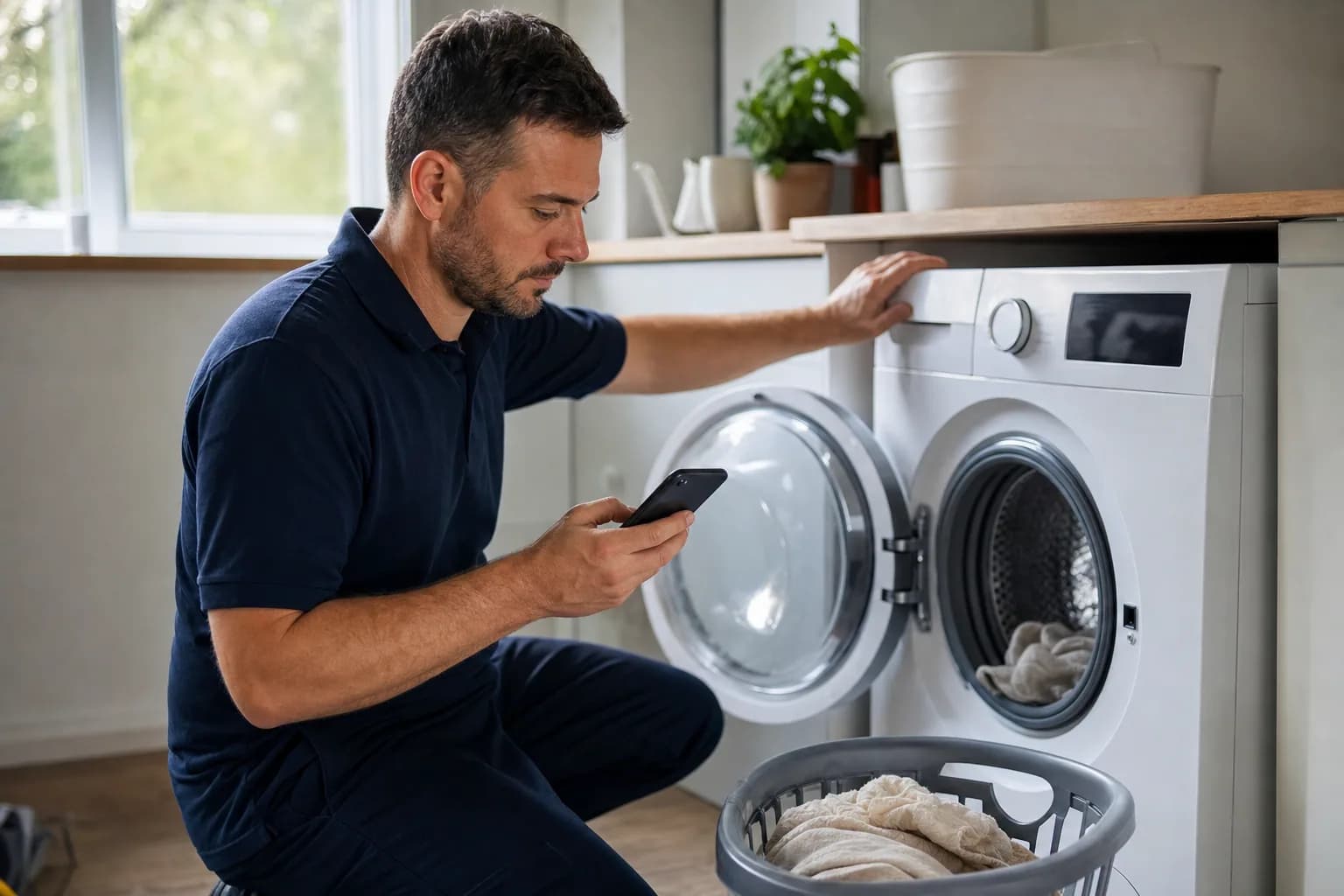
LG washer error codes usually point at something you can check yourself: the water supply, the drain, the load, the door or the detergent. One of them, CL, is not a fault at all. LG says its codes vary by model, and some letters mean different things on a front-loader and a top-loader, so confirm your code in your owner's manual or on LG's error code list.
Safety first: unplug the washer or switch off its breaker before you open any panel or reach behind it, and never force or bypass the door lock.
LG washer error code list
- OE: not draining
- IE: not filling
- UE: unbalanced load
- LE: locked motor
- dE, dE1, dE2: door not closed or not locked
- CL: Child Lock is on
- Sud: too many suds
- FE: overfilling
- PE: water level sensor
- tE: heating or temperature sensor
Water and drain codes
OE: drain error
LG says the washer cannot drain the water from the cycle. On top-loaders it means draining slowly or not at all.
- Check behind the washer that the drain hose is not kinked, clogged or pinched, and straighten it.
- On a front-loader, test the pump: set Spin Speed to High, start a spin-only cycle and listen. If you hear the pump hum, clean the filter. If you hear nothing, LG says the washer needs service.
- To clean the filter, unplug the washer and open the service panel at the bottom left. Drain the remaining water through the small drain hose into a bucket, twist the filter counterclockwise to remove it, clean it and screw it back in firmly.
- Run a Tub Clean cycle, then try a normal wash.
When to call a technician: OE returns after the filter is clean, or the pump makes no sound. The drain pump is the usual repair. Our washer not draining or spinning guide has more.
IE: water inlet error
LG says the tub did not fill to the right level within the set time.
- Make sure the hoses are connected and both faucets are fully open.
- Straighten any kinked or pinched hoses, and replace damaged ones.
- Turn off the faucets, disconnect the hose at the washer and clean rust, sand or sediment out of the inlet filter.
- In a hard freeze, a frozen supply hose can cause IE; it clears once the hose thaws.
When to call a technician: LG says that if these steps do not help, the water supply valve may have failed. See our guide to a washer not filling with water.
Searching for LG washer 1E? LG's US error lists do not include a separate 1E code; IE is the fill code they document. If your display shows something that does not match, check the code list in your manual.
FE: overfilling
LG says the washer is overfilling.
- Close both water faucets.
- Select a no-spin (drain) setting and press Start/Pause to drain the water.
- Restart the cycle.
When to call a technician: FE comes back. A water inlet valve that will not close, or the water level sensor, is the usual cause.
PE: water level sensor
LG says the water level sensor is not working properly. Unplug the washer for 10 seconds, plug it back in and restart. If PE returns, LG says it needs service.
Balance and motor codes
UE (Ub): unbalanced load
LG says the laundry has piled up on one side of the drum.
- Pause the cycle and spread the laundry evenly.
- Fill the drum about two-thirds; LG says the washer performs best there.
- Skip items LG lists as unsuitable, such as bath mats, rugs and rubber mats, and use the bedding or duvet cycle for blankets.
- Rock the washer front to back and side to side. If it moves, adjust the legs until all four sit firmly on the floor.
Top-loaders try to rebalance on their own up to three times before stopping. When to call a technician: nearly every load ends in UE. Worn shock absorbers or suspension parts are the usual cause.
LE: locked motor
On front-loaders, LG says LE means the motor is overloaded and locked: the tub cannot spin because the washer is overloaded or something is stuck in it. On top-loaders, LG calls LE a motor locked error caused by a coin or object caught in the mechanism.
- Unplug the washer for 5 minutes and try again. If it has run several loads back to back, LG suggests letting it rest 30 minutes to cool.
- Reduce the load, and use the bedding cycle for heavy blankets.
- With the power off, unload the washer and look for coins or objects in the tub. Remove them with pliers or tweezers.
When to call a technician: LG says to unplug the washer and call for service if LE keeps appearing. The motor, its position sensor, the wiring or the control can be at fault, and we test before replacing parts.
Door, lock and detergent codes
dE, dE1, dE2: door errors
On LG front-loaders, dE means the washer could not lock the door. dE1 means the door is not closed properly, often because laundry is caught between the door and the rubber gasket. dE2 means the door is closed but not locked, from too much laundry, something in the door area or a bent or broken latch. On top-loaders, dE means the lid is not properly closed.
- Open the door, clear any laundry from the gasket and close it firmly.
- Unplug the washer or switch off its breaker. While it is off, hold Start/Pause for 5 seconds, then restore power and try again.
- On a top-loader, close the lid fully and press Start/Pause; it will not spin until the lid locks.
When to call a technician: the code survives the reset. The door lock or latch has usually failed. Never bypass it; it keeps hands out of a spinning drum.
CL: Child Lock, not a fault
LG says CL is not an error code; it shows that Child Lock is on. While it is set, every button except Power is disabled. To turn it off:
- Make sure the washer is powered on.
- Find the lock symbol or the words Child Lock on the panel. They mark the button, or pair of buttons, to use; depending on the model, LG lists Temp and Rinse together, Spin or Steam.
- Hold it for about 3 seconds until CL clears.
No technician is needed unless the buttons still will not respond once CL is gone.
Sud: too many suds
LG says the washer has detected too many suds and extends the cycle to clear them.
- Use HE detergent only.
- Never use more than the detergent maker recommends, and cut back until the suds stop.
This is a detergent fix, not a repair.
Other LG codes
- tE: a heating error, usually a faulty thermistor. Unplug for 10 seconds, drain with a no-spin setting and restart. If it returns, call for service.
- CE: over-current in the motor circuit. Unplug for 10 seconds and retry; if it persists, it needs service.
- AE: on front-loaders LG lists this as an internal leak; on top-loaders it is a rotation error. It is a good example of why the manual matters.
- PF: the power was interrupted during a cycle. Unplug the washer, hold Start/Pause for 5 seconds, restore power and restart.
- tCL: a reminder to run Tub Clean, not a fault.
What it costs in Jacksonville
The diagnostic is 79, and it is waived when you approve the repair. Washer repairs start at 179 plus parts, with a written flat-rate estimate before any work begins. We carry common parts on the van, so most LG washer repairs are done on the first visit, and if a part must be ordered, there is no trip charge for the return visit. Every repair carries our 90-day parts-and-labor warranty. See our pricing. Have a Samsung as well? See Samsung washer error codes.
Schedule washer repair or call (904) 561-4790 for same-day service across Jacksonville & the First Coast.
About Jax Appliance Pros
Locally owned appliance repair for Jacksonville, the Beaches, St. Johns, Clay and Nassau counties. Same-day or next-day service on refrigerators, washers, dryers, dishwashers, ovens, cooktops, ranges and garbage disposals. $79 diagnostic waived with the repair, 90-day parts-and-labor warranty, licensed and insured. More about us.