Error Codes
Samsung Washer Error Codes: 4C, 5C, UR, UB, dC, SUD and More
What Samsung washer codes 4C, 5C, SC, LE, Ub, Ur, dC and Sud mean, the checks Samsung recommends for each, and when you need a technician in Jacksonville.
By Jax Appliance Pros · · 7 min read
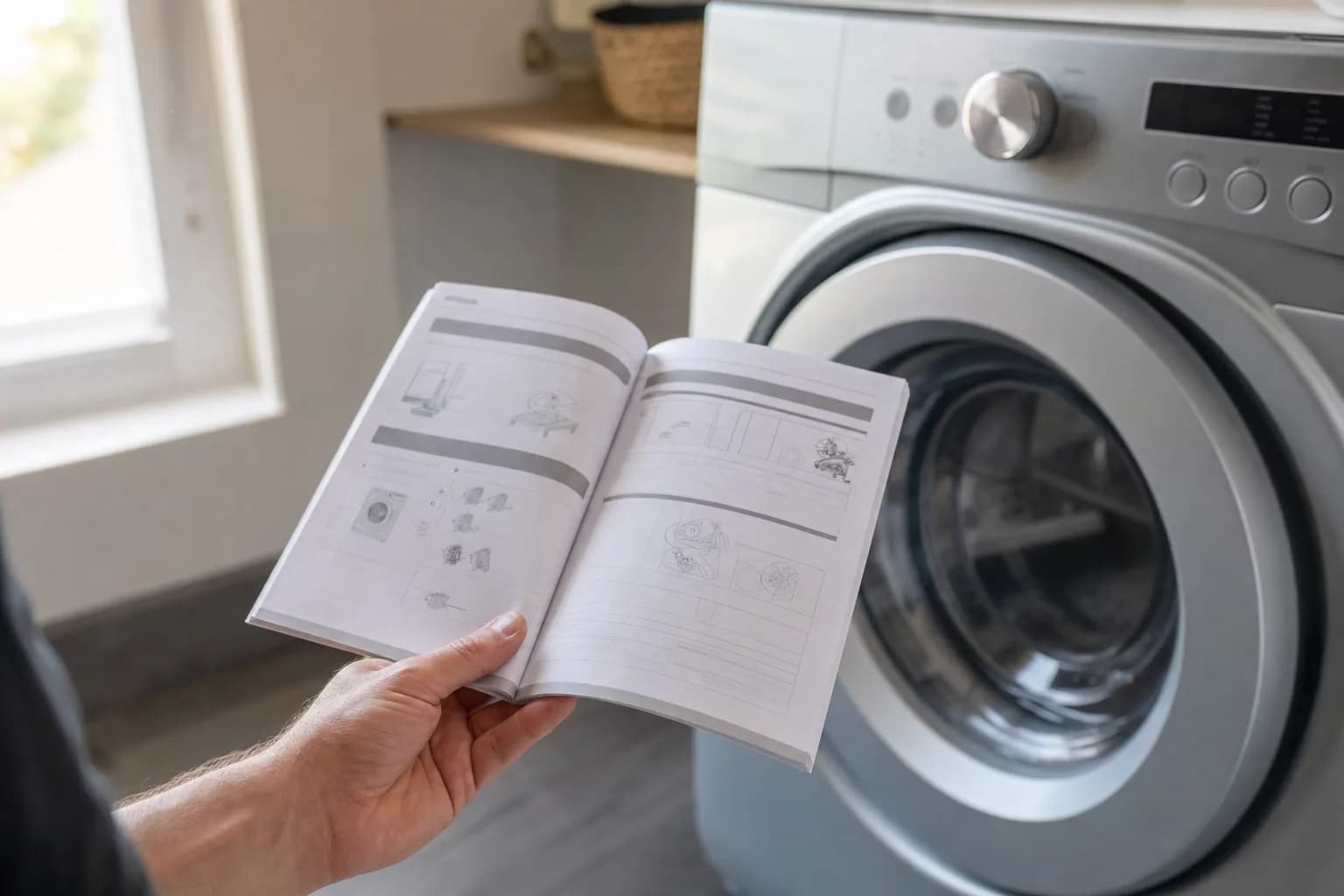
Samsung washer error codes tell you which system is unhappy: water in, water out, the load balance, the door or the suds. Many clear with a quick check you can do yourself, and a few are not faults at all. Samsung uses several spellings for the same problem and says some codes mean different things on different models, so always confirm your code in your owner's manual or on Samsung's error code page.
Safety first: unplug the washer or switch off its breaker before you remove any panel or reach behind it, and never tape, force or bypass the door lock.
Samsung washer error codes: start with a reset
Note the code first. For any code without a specific fix below, Samsung says to turn the washer off for 2 to 3 minutes, then back on, and restart the cycle. If the code returns, it needs service.
Samsung washer water supply codes
4C (4E, nF): water supply problem
Samsung says water is not entering the washer correctly. Its checks, in order:
- Make sure the hot and cold hoses go to the matching inlets (hot to hot, cold to cold) and are not bent or kinked.
- Open both water valves all the way and leave them open while the washer runs.
- Check that the drain hose goes 6 to 8 inches into the drain pipe and is not kinked.
- Unplug the washer or switch off its breaker for 1 minute, then restore power and run a cycle.
- Turn off the water, disconnect the hoses at the washer and clean any debris out of the inlet filters.
Samsung also says not to use Flood Safe hoses. When to call a technician: the water is on and the hoses and filters are clear, but 4C keeps coming back. A failed water inlet valve is the usual cause; see washer not filling with water.
4C2 (4E2, CE, nF1): hot and cold hoses reversed
The water in the cold line is very hot because the hoses are swapped.
- Turn off both water valves, then reconnect cold to cold and hot to hot (usually blue to blue, red to red).
Samsung says this code does not mean service is needed. Call only if the hoses are already correct and it persists.
Samsung washer drain codes: 5C, 5E, SC and SE
5C (5E, SC, SE, nd): drain problem
Samsung groups all of these as its No Drain error: water is not draining at the right speed, or at all. Note that SC is a drain code on Samsung washers, not a suds code. Samsung's steps:
- Turn the washer off and check that it is level; a washer that is not level may not drain correctly.
- Check the drain hose. It should go 6 to 8 inches into the standpipe or sink without an airtight seal, have no kinks, and sit at least 18 inches high (24 for a laundry sink) and no higher than 96 inches (35 for a sink), with no extension kit.
- On a front-loader, clean the pump filter behind the small door at the bottom front. Put down towels and a shallow pan first; the tub water comes out here.
- Turn the washer on and start a cycle. It should drain at the start; if not, Samsung says to request service.
When to call a technician: the filter is clean and the hose is right, but the code returns. The drain pump is the usual cause; see washer not draining or spinning.
OE (0E, OC, 0C): too much water
Samsung calls this an Overflow error and points you to the same drain checks.
- Work through the 5C drain checks above.
- If water keeps flowing in with the washer off, shut off both water valves.
When to call a technician: water enters with the washer off, or OE returns. A water inlet valve stuck open or a faulty water level sensor is the usual cause.
LE (1E, LC, 1C): water level or leak
Samsung says moisture has been detected somewhere it does not belong, or the sensor itself has a problem.
- Look for a leak around and under the washer, and fix what you find.
- Make sure the hoses behind the washer are not kinked, and check each connection and its rubber washer.
- On a front-loader, fold back the door seal and look for damage or trapped items.
- Run an empty cycle with no detergent or softener and watch for suds, a sign of detergent build-up.
When to call a technician: there is no visible leak and the code keeps returning.
Samsung washer balance, door and suds codes
Ub (UE, U6, Ur): unbalanced load
Samsung says the load is unbalanced in the tub. Ur means Unbalanced Load Retry: the washer adds water, rebalances and tries the spin again, so the cycle runs longer.
- Untangle and spread the laundry evenly, especially sheets and blankets, then close the door and restart.
- Level the washer so all four corners sit firmly on the floor.
- Run calibration mode with the tub empty. The buttons vary by model, so check your manual; the display shows Cb while it runs.
When to call a technician: nearly every load ends in Ub. Worn shock absorbers, suspension rods or springs are the usual cause.
dC (dE, dL, FL, LO): door not closed and locked
Samsung says the door is not detected as closed and locked. On some Samsung models, though, dC is an unbalanced load code instead, so check your manual.
- Make sure no laundry is caught in the door and it closes fully.
- Check that the latch is secure and undamaged.
- Never force the door open or bypass the lock.
When to call a technician: the door closes cleanly and the code persists, or the latch is damaged. The door lock is the usual repair.
Sud (SUd, Sd, SUdS): too many suds
Samsung says the washer pauses to let the suds settle, then continues on its own, and the code may flash again at the end as a reminder. It does not mean service is needed; it comes from using detergent incorrectly.
- Use HE detergent only; Samsung washers require it.
- Never fill past the MAX line in the detergent drawer.
- Use the least detergent that gets clothes clean. If the bottle calls for more than the MAX line, wash a smaller load or use a more concentrated detergent.
No technician needed; this is a detergent fix.
3C (3E, E3): motor error
Samsung lists 3C, 3E and E3 as a motor error. On some models 3E is a voltage error instead.
- Do the basic reset above.
- Make sure the washer is on its own circuit, not an extension cord, as Samsung advises for voltage codes.
When to call a technician: the code returns after a reset. The motor, its wiring or the control board is at fault.
Codes that are not faults
- Cb: calibration mode. The drum rocks for 1 to 3 minutes, then stops; the washer must be empty.
- dn: a software update of about 15 minutes. Past 30 minutes with Wi-Fi working, contact Samsung.
- CL: Child Lock has drained water from the tub. Turn the washer off and on, or turn Child Lock off.
Other codes Samsung lists
Samsung also lists heater (HE, HC), temperature sensor (tE, tC), communication (AE, AC) and clutch position (PE, PC) errors. Do the basic reset; if the code returns, call for service. PF also appears after a power outage mid-cycle; if there was no outage, make sure the washer has its own circuit and no extension cord.
What it costs in Jacksonville
The diagnostic is 79, waived when you approve the repair. Washer repairs start at 179 plus parts, with a written flat-rate estimate before any work begins. We carry common parts on the van, so most Samsung washer repairs are finished on the first visit; if a part must be ordered, there is no trip charge for the return visit. Every repair carries our 90-day parts-and-labor warranty. See our pricing and, for an older washer, our repair-or-replace guide. Have an LG too? See LG washer error codes.
Schedule washer repair or call (904) 561-4790 for same-day service across Jacksonville & the First Coast.
About Jax Appliance Pros
Locally owned appliance repair for Jacksonville, the Beaches, St. Johns, Clay and Nassau counties. Same-day or next-day service on refrigerators, washers, dryers, dishwashers, ovens, cooktops, ranges and garbage disposals. $79 diagnostic waived with the repair, 90-day parts-and-labor warranty, licensed and insured. More about us.