Dishwashers
Dishwasher Won't Start or Turn On? What to Check
Dishwasher won't start, won't turn on or won't latch? The simple checks to try first, why it may not fill with water, what usually fails, and repair costs.
By Jax Appliance Pros · · 6 min read
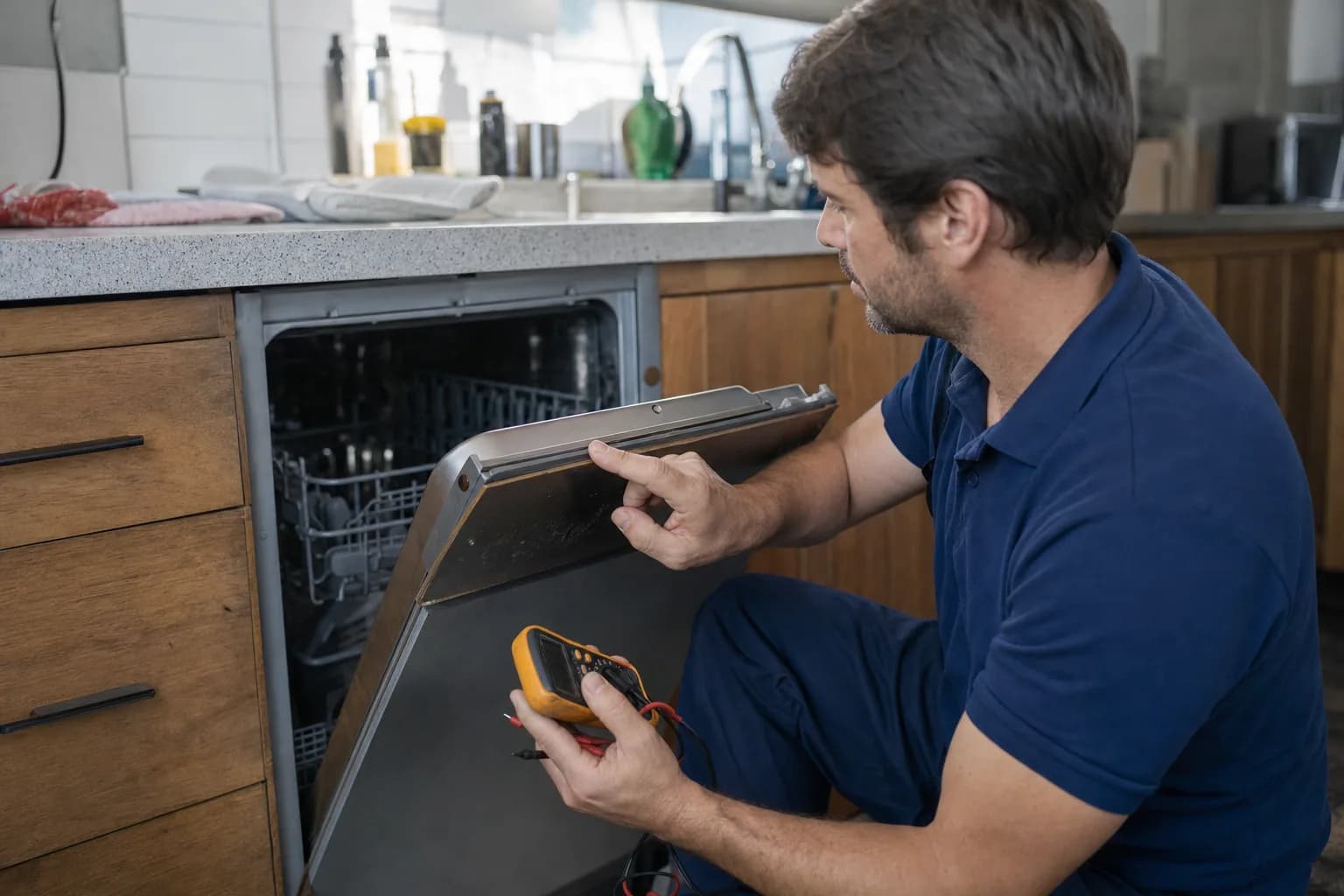
If your dishwasher won't start, it is often not broken at all. Before anything else, look for a control lock, a delay-start countdown and a door that is not fully latched; any one of them will stop a perfectly good dishwasher. If the control panel is completely dark, work back to the power: the breaker, a GFCI outlet or a wall switch. If none of that helps, the usual failures are a door latch, a thermal fuse or the control board, and all of them are standard repairs.
A word on safety
A dishwasher puts water and 120-volt power in a tight space. Switch it off at the breaker before you pull it out, take off the lower kick panel or reach under the door. If there is water on the floor around it, switch off the breaker before you touch the dishwasher. Never tape, jam or bypass the door latch to make it run; the latch is what keeps a running dishwasher from spraying hot water into your kitchen.
Dishwasher won't start? Checks you can do yourself
- Look for a lock icon. Most dishwashers with electronic controls have a control lock or child lock that keeps the buttons from starting a cycle. Whirlpool says a lit lock icon on the display means it is on, and GE calls it a child lock-out. Your owner's manual shows how to unlock it, often by holding one button for a few seconds.
- Look for a countdown. If someone pressed Delay Start, the dishwasher accepts the cycle and then waits until the delay runs out. Cancel it (on Whirlpool models, with the Cancel/Drain button) and start again.
- Close the door firmly. GE notes that the latch must fully engage before the door switch tells the control it is safe to run. Push the door shut until it clicks. Whirlpool points out that a lower rack put in backwards can keep the door from closing.
- Press Start, then shut the door promptly. On some models you press Start with the door open and then have only a few seconds to close it; some Whirlpool models allow 3 seconds, and if you miss the window, the Start light flashes and the cycle does not begin. Your manual explains how yours starts.
- Check the power. Reset the breaker. If the dishwasher plugs into an outlet under the sink, press Reset on any GFCI outlet that has tripped, including one up at the counter. Some dishwashers are wired to a wall switch, and it is easy to flip the wrong one when it sits next to the disposal switch.
- Make sure the water is on. Whirlpool notes that if the dishwasher does not detect water, the cycle will not start. The supply valve under the sink should be fully open, especially after plumbing work.
- Reset the control. Press Cancel, then unplug the dishwasher or switch off its breaker for about one minute. Restore power, close the door firmly, choose a cycle and press Start. This is the reset Whirlpool describes, and it is safe to try on any dishwasher.
Dishwasher won't turn on at all
If nothing lights up when you press a button, power is not getting through. Once you have ruled out the breaker, GFCI and wall switch, the usual causes are:
- Thermal fuse. Many dishwashers have a one-time safety fuse that cuts power when it senses overheating. When it blows, the dishwasher goes completely dead, and the technician should also find out why it blew.
- Control board. Power surges and lightning are hard on electronics. If the dishwasher died after a storm, the control board is a strong suspect, so try the one-minute reset first.
- Wiring. A loose connection in the junction box behind the kick panel. Leave that to a technician.
Lights come on but it won't start
A lit panel that ignores the Start button points back to the checks above: control lock, delay start, the door latch and the water supply. GE also lists demo, sleep and Sabbath modes on some models, and your manual shows how to leave them. If the lights are flashing in a pattern or a code appears, write it down before you reset anything, because it tells the technician where to look. If the buttons respond unevenly, or some do nothing at all, the touchpad or user interface board has usually failed.
Dishwasher won't latch
If the door will not stay shut or click closed:
- Check what is in the way. A rack pushed in crooked or installed backwards, a tall pan, or a utensil hanging through the rack.
- Check the latch itself. A cracked latch or a broken strike cannot hold the door, and a latch whose switch has worn out can close normally while the control still thinks the door is open.
- Check the fit. If the dishwasher has come loose from its mounting brackets under the counter, it can shift so the door no longer lines up with the latch.
A worn latch or door switch is a common and usually straightforward repair.
Dishwasher not filling with water
If the dishwasher starts and you hear it running, but no water comes in:
- The supply valve. It must be fully open, and it may have been closed during plumbing work.
- The float switch. A small float in the tub floor, usually near the front, shuts off the fill if the water rises too high. If debris holds it up, the dishwasher thinks it is already full. With the power off, check that it moves up and down freely.
- The inlet valve. An electric valve behind the kick panel lets water in. If it has failed, or its screen is clogged with sediment, little or no water gets through.
- The door switch. Bosch lists a faulty door switch alongside the inlet valve and the float as reasons a dishwasher will not take in water.
- A drain problem. GE notes that a dishwasher that is not draining properly may not let new water in. If there is standing water in the tub, start with our dishwasher not draining checklist.
Low household water pressure can also slow the fill; Whirlpool calls for 20 to 120 psi.
What usually fails
- Door latch or door switch. The door will not latch, or it latches but the dishwasher acts as if it is open.
- Thermal fuse. Completely dead, with a working breaker and outlet.
- Control board. Dead or erratic, often after a power surge.
- User interface or touchpad. Lights on, but the buttons do not respond.
- Water inlet valve. Starts but will not fill.
- Float switch. Starts but will not fill, because the dishwasher thinks the tub is already full.
What it costs in Jacksonville
The diagnostic visit is 79, waived when you approve the repair. Dishwasher repairs start at 179 plus parts, and you get a written flat-rate estimate before any work begins. Latches, switches, fuses and inlet valves are at the lower end, and control boards cost more. We carry common parts on the van, so most repairs are finished on the first visit, and if a part has to be ordered, there is no trip charge for the return visit. Every repair carries our 90-day parts-and-labor warranty. See our pricing.
Repair or replace?
A latch, fuse, valve or even a control board is usually worth fixing on a dishwasher under about eight to ten years old. If the tub is cracked or the machine is near the end of its life, our repair-or-replace guide helps you decide. If yours runs but leaves the dishes dirty, see dishwasher not cleaning dishes.
Schedule dishwasher repair or call (904) 561-4790 for same-day service across Jacksonville & the First Coast.
About Jax Appliance Pros
Locally owned appliance repair for Jacksonville, the Beaches, St. Johns, Clay and Nassau counties. Same-day or next-day service on refrigerators, washers, dryers, dishwashers, ovens, cooktops, ranges and garbage disposals. $79 diagnostic waived with the repair, 90-day parts-and-labor warranty, licensed and insured. More about us.