Ovens & Ranges
Oven Door Locked After Self-Clean? How to Unlock It Safely
Oven door locked after self-clean and won't open? How long it takes to cool and unlock, the resets GE and Whirlpool recommend, and when the lock has failed.
By Jax Appliance Pros · · 7 min read
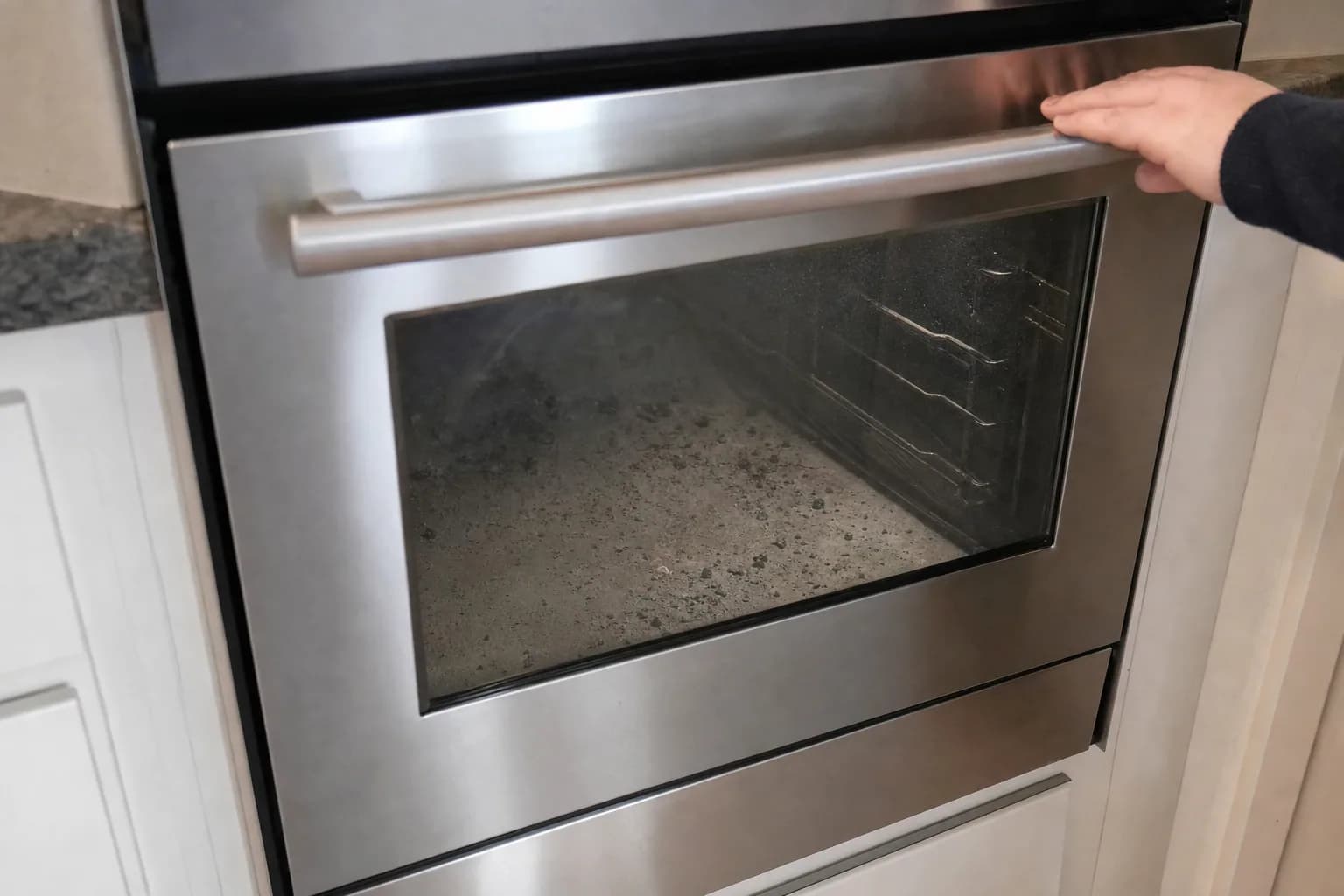
An oven door locked after self-clean is normal at first: the lock holds the door shut until the oven has cooled, which GE says takes between 30 and 90 minutes after the cycle ends. If the door is still locked once the oven is cool, a cancel or a power reset at the breaker releases most stuck locks. If neither works, the lock motor, a lock switch or the control has usually failed, and that is a repair.
Never force or pry the door. Self-clean burns soil to ash at very high temperatures, and the inside of the oven stays dangerously hot long after the cycle ends. Forcing the door can bend the latch, break the lock motor and expose you to a serious burn, and GE says not to force the latch at any time. Switch off the breaker before you remove any panel.
Why the door locks during self-clean
Self-cleaning ovens lock the door automatically. Whirlpool says its ovens lock the door about 6 seconds after the cycle starts, the cycle time includes a 30-minute cool-down, and the oven has to cool to about 200°F before the door will open. Frigidaire puts it simply: for safety, the door stays locked until the oven cools down, then unlocks automatically. Older ovens use a manual latch handle that you slide across instead of a motorized lock.
A locked door does not always mean self-clean. Some ranges have a lock feature that locks both the controls and the door. On Frigidaire ranges with it, Frigidaire says to press and hold Off for 6 seconds to lock or unlock; other brands differ, so check your owner's manual.
Oven door locked? Checks you can do yourself
Try these in order, and stop as soon as the door opens:
- Let it cool. Give it the full 30 to 90 minutes after the cycle ends. GE notes that indicator lights can stay on during the cool-down, and on Samsung ovens the panel shows "Hot" when the oven is too hot for the controls to work.
- Cancel the cycle. Press Cancel/Off (Clear/Off on GE). Whirlpool says this starts a latch reset: wait 20 to 30 seconds, then open the door. If self-clean was started by accident, Whirlpool says Cancel/Off lets the oven cool to about 200°F, and then the door unlocks.
- Slide a manual latch. On older ovens with a latch handle, GE says to slide it to the left once the oven has cooled. Some models have a release button to push in while you slide it, and models with Set and Temp knobs must be turned to Clean first. If it will not move, stop.
- Reset the power. Switch off the breaker, or unplug the range if you can reach the plug safely. GE says to disconnect power for 30 seconds after a self-clean lock-up, and Whirlpool says one minute. Turn it back on and give the lock motor a moment to run.
- On a GE oven, try GE's second step. If the door is still locked, GE suggests setting self-clean again for 1 to 2 hours, waiting about 30 minutes for the oven to cool, then trying the door again. Only do this with the oven empty and the kitchen ventilated.
- Call if it still won't unlock. At that point a part has failed, and forcing it turns a lock repair into a door repair.
Oven door won't open after it cools
If the oven is cool to the touch, you have canceled the cycle and reset the power, and the door still won't open, the lock is not getting the signal to release or cannot move. The usual causes:
- Door lock motor. The motor that drives the latch has failed; you may hear it run without the latch moving.
- Lock switch. The switches that tell the control whether the door is locked have failed, so the control does not know it can release.
- Control board. The control is not sending power to the lock motor.
- Temperature sensor. A sensor that reads high can make the control believe the oven is still too hot to unlock.
- Thermal fuse. If the display went dead during the clean as well, the oven's thermal fuse may have blown; see oven not turning on.
Error codes that point to the lock
Many ovens flag a lock problem with a code:
- GE says F9 and FC usually mean a component has failed somewhere in the door lock circuit, and a flashing LOC DOOR with no self-clean selected usually means the Control Lockout feature is on. See our guide to GE oven error codes.
- Frigidaire lists F90 through F94 as door lock errors on its electric ranges and says to reset the range by disconnecting power for up to 30 seconds.
- Whirlpool codes vary by model, and on Whirlpool ranges F9 is a power supply code, not a lock code. Our Whirlpool oven error codes guide covers them.
If a code comes back after a power reset, book a repair.
Oven door locked after a power outage
A storm that cuts the power in the middle of a self-clean can leave the lock engaged or the cycle stuck. When the power comes back, Whirlpool says to select Self Clean, then Cancel, and wait a couple of minutes; you can start a new cycle after that if the oven still needs cleaning. If the door stays locked with the oven cool, do the breaker reset above. If other appliances are misbehaving after the same power outage, see appliances not working after a power outage.
Self-clean smoke and fumes
Some smoke and odor during self-clean are expected; GE calls a small amount of smoke normal as the soil burns off. To keep it that way:
- Ventilate. Turn on the range hood and open a window. Whirlpool says not to block the oven vents during the cycle.
- Move pet birds. Whirlpool and GE both warn that some birds are extremely sensitive to self-clean fumes, and exposure can kill them. Move them to another closed, well-ventilated room before you start.
- Wipe out grease first. GE says excessive smoke means too much grease or soil in the oven. If it happens, press Clear/Off or Cancel/Off, let the oven cool for at least an hour, wipe out the grease and restart.
- Empty the oven. Whirlpool says to remove the racks, broiler pan, cookware and any foil before you start, unless your manual says the racks can stay in.
- Stay nearby for the whole cycle.
If you see flames inside, turn the oven off and keep the door closed; GE says to let it cool for at least an hour. If the fire does not go out, get everyone out and call 911.
What it costs in Jacksonville
A stuck lock on a freestanding range is a standard repair: the diagnostic is $79 and repairs start at $179 plus parts. Built-in wall ovens and double ovens take longer to access, so the diagnostic is $119 and repairs start at $249 plus parts. The diagnostic is waived when you approve the repair, and you get a written flat-rate estimate before any work begins. Typical all-in repairs on standard brands run $180 to $400 for a range and $280 to $500 for a wall oven; premium brands run higher. Many repairs can be finished on the first visit, and every repair carries our 90-day parts-and-labor warranty. See our pricing.
Repair or replace?
A lock motor or switch is a modest part, and wall ovens typically last 15 years or more, so a stuck lock is rarely a reason to replace the oven. If it has other problems too, our repair-or-replace guide walks through the math.
Schedule oven repair or range repair, or call (904) 561-4790 for same-day service across Jacksonville & the First Coast.
About Jax Appliance Pros
Locally owned appliance repair for Jacksonville, the Beaches, St. Johns, Clay and Nassau counties. Same-day or next-day service on refrigerators, washers, dryers, dishwashers, ovens, cooktops, ranges and garbage disposals. $79 diagnostic waived with the repair, 90-day parts-and-labor warranty. Insured. More about us.