Error Codes
Samsung Refrigerator Error Codes and What They Mean
Samsung refrigerator error codes 21E, 22E, 5E, 39E, 83E to 86E, PC ER and OF OF explained, with the fixes Samsung gives and when you need a technician.
By Jax Appliance Pros · · 7 min read
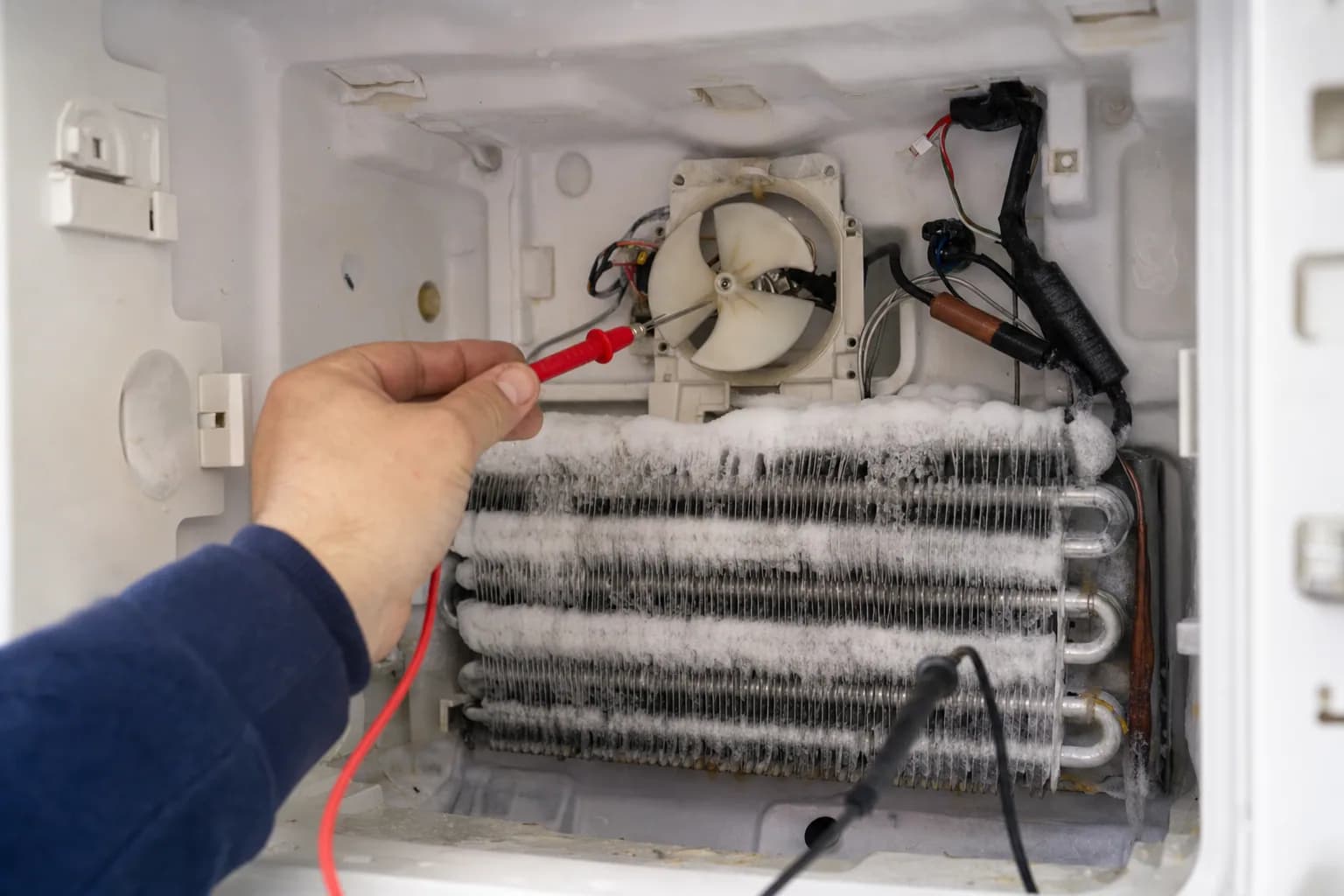
Samsung refrigerator error codes are the numbers and letters on the display, such as 22E, 5E or 39E, that tell you the control has found a problem with a fan, a sensor, the ice maker or the power supply. A few are not faults at all: OF OF means the refrigerator is in a store display mode. Samsung says its list is not complete and some steps differ by model, so confirm your code in your owner's manual or on Samsung's error code page.
Safety first: unplug the refrigerator or switch off its breaker before you pull it out, remove a panel or reconnect a door harness, and keep towels handy if you defrost it.
Samsung refrigerator error codes: before you reset
Start with Samsung's own warning. Unless a code's steps tell you to, Samsung says not to unplug the refrigerator and not to press buttons to make the code go away, because that makes it harder for a technician to diagnose. Samsung also says a reset erases the error code history and diagnostic information, so take a photo of the code first.
Samsung's self-diagnostic
On a Family Hub refrigerator, you can list current and past codes yourself: tap Apps, then Fridge Manager, Fridge Settings and Self Check, then tap Start. We could not find a button sequence for entering diagnostics on other models on Samsung's US support pages, so we do not give one here. If every icon flashes right after you plug the refrigerator in or after a power outage, that is normal; Samsung says the refrigerator is running a self diagnostic.
How to reset a Samsung refrigerator
When a code's steps call for it, Samsung's reset is to unplug the refrigerator or turn off its breaker, wait about five minutes, then restore power. For the power codes below, Samsung says 60 seconds is enough. On Family Hub models, the red switch inside the top of the right door restarts the screen. Samsung recommends a reset only when troubleshooting directs it, when you move the refrigerator or when you clean it. Our guide to resetting a refrigerator has more.
Samsung refrigerator OF OF: Cooling Off mode
OF OF, O FF, OFF OFF or temperature bars scrolling back and forth mean Cooling Off mode, also called Demo or Shop mode. Samsung says it turns off cooling, ice making and the water dispenser, and that service is not required. The button steps depend on the model, but Samsung says the most common panel is on the outside front of the refrigerator, on the left:
- Find the top two buttons on the left side of the panel. Newer models also need the top button on the right; Samsung suggests trying two buttons first.
- Touch and hold them together for 5 to 8 seconds, until a chime sounds. It sounds different from a single button press.
- Wait a few moments and make sure the display does not return to OF OF. If it does, repeat.
On Family Hub models, tap Apps, Fridge Manager, Fridge Settings, Cooling Off, Deactivate, then Proceed. For other panels, see your manual.
Samsung refrigerator fan codes: 21E, 22E and 40E
21E: freezer fan
Samsung says the control is not sensing the freezer fan turning. That usually means the fan is frozen, often because a door was left open or the door gasket has a gap, though the fan motor can also fail. You can defrost the refrigerator or request service. Either way, make sure it is not packed so full that the doors cannot close, and that the gaskets touch the cabinet all the way around.
22E, 22C: fridge fan
Samsung says running the refrigerator with a door open too long can cause this. Its fix:
- Move perishables to a cooler with ice. The USDA says a refrigerator without power keeps food safe for up to 4 hours with the doors closed, and yours will be open.
- Unplug the refrigerator and leave the doors open for a few hours.
- Plug it back in, close the doors and resume normal use.
If 22E returns, it needs service.
40E, 40C: ice room fan
Samsung lists this as an ice room fan error. It needs service.
Samsung refrigerator ice maker codes
- 8E: ice maker (freezer) sensor error
- 14E: ice maker sensor error
- 33E: ice pipe heater error
- 39E, 39C: ice maker function error
- Ice Off blinking: the ice bucket is missing or not seated correctly. Reinstall it.
- 76C or a blinking Autofill light: water has been detected in the Autofill compartment.
Samsung says to request service for 8E, 14E, 33E and 39E. On models with a Test button on the right side of the ice maker, you can try Samsung's ice maker reset: press and hold Test until you hear a chime. One chime means it passed. If there is no chime and no movement, unplug the refrigerator or turn off its breaker for 2 minutes. Samsung warns not to press Test repeatedly once the tray holds water or ice, or it may overflow or jam. See ice maker not making ice for more.
Samsung refrigerator sensor codes
5E is Samsung's fridge defrost sensor error, and 8E and 14E are ice maker sensors. A failed sensor feeds the control bad temperature readings, which can lead to frost buildup or poor cooling. Samsung says to request service for all three.
Power and communication codes
- 83E: abnormal current to the compressor, possibly from a power surge.
- 85E: compressor under voltage, possibly from a brownout.
- 86E: compressor over voltage, possibly from a power surge such as a thunderstorm.
- 88 88: a communication fault after power was disrupted during startup.
For all four, Samsung says to unplug the refrigerator or turn off its breaker for 60 seconds, then restore power. If the code returns, it needs service. If a summer storm knocked out the power, see appliances not working after a power outage.
- 85C (Family Hub): low voltage, often from a brief outage. Samsung calls it harmless; press OK for 3 seconds to clear it.
- PC ER, PC CH: components are not communicating, after a power surge or when a door is not properly connected. With the power off, disconnect and reconnect the wire harness above the door, then restore power.
- 84C: compressor lock. This needs service.
- 41 or 42 with flashing blue interior lights (Family Hub): reboot the screen with the power switch inside the top of the right door.
What usually fails
- Fan motors or iced-up fans. Behind 21E, 22E and 40E.
- Defrost parts. A failed defrost heater or sensor lets frost build until it stops a fan; 5E and repeat fan codes point here.
- Ice maker parts. The ice maker assembly, its sensor or the ice pipe heater, behind 8E, 14E, 33E and 39E.
- Door gaskets. Humid air getting past a gap turns into frost.
- Compressor or its controls. Behind 83E to 86E and 84C when a reset does not help.
What it costs in Jacksonville
The diagnostic is $79 ($119 for built-in refrigerators), waived when you approve the repair. Repairs start at $179 plus parts, with a written flat-rate estimate before any work begins. On standard brands, a typical refrigerator repair runs $200 to $450 all in; fans, defrost parts, relays and valves sit at the low end, and control boards and ice makers at the high end. Premium brands run higher, and compressor work is rarely worth it on an older refrigerator; our repair-or-replace guide explains why.
A refrigerator that is not cooling gets priority scheduling, and most calls placed before noon are seen the same day. Many Samsung refrigerator repairs can be finished on the first visit, and there is no trip charge to come back and install an ordered part. Every repair carries our 90-day parts-and-labor warranty. See our pricing.
Schedule refrigerator repair or call (904) 561-4790 for same-day service across Jacksonville & the First Coast.
About Jax Appliance Pros
Locally owned appliance repair for Jacksonville, the Beaches, St. Johns, Clay and Nassau counties. Same-day or next-day service on refrigerators, washers, dryers, dishwashers, ovens, cooktops, ranges and garbage disposals. $79 diagnostic waived with the repair, 90-day parts-and-labor warranty. Insured. More about us.